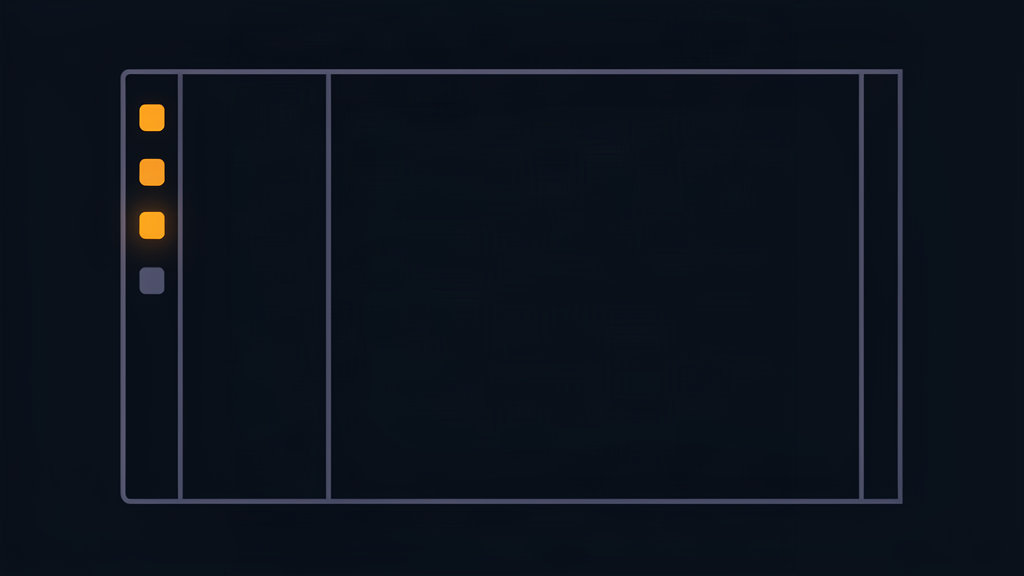
Collapse the sidebar on the stats site, reload, and the page flinched: the full sidebar flashed for a frame, then snapped down to a thin icon rail. Every reload, same hiccup. We replaced the old search field with an icon-plus-rail sidebar yesterday, and this first-paint flash was the part that took the longest to get right. Two small lessons worth stealing.
The cookie has to be read before paint
The sidebar's collapsed state lives in a cookie, but cookies aren't readable until the page has a document, and by then the sidebar has already rendered wide. The fix is a tiny inline script in the head that flips a data attribute on the root element before the first paint, so a collapsed visitor gets the icon rail on frame one:
It's the same trick analytics snippet for theme toggles use, and it's the only reliable way I know to make a persisted UI state survive a reload without a flash.
Portaled components lose your theme
The weirder bug: after the rail shipped, the command palette rendered with a white border, no background, and no highlighted row. The palette portals itself to the document body, which put it outside the shell element that defines our CSS color tokens. Inheriting design tokens is positional; move the component, lose the theme. Both the palette and the league menu now carry the theme class explicitly, so wherever they portal, they stay dressed.
Also fixed along the way: the rail math left icons visibly off-centre (a 3rem rail with one-sided padding), and the palette flew in from the top-left corner on open because leftover slide offsets fought the new layout. Small things, but they're the difference between a feature that feels shipped and one that feels parked.
Everything above is live. Next up from the same plan: the player directory got years active, team, and player faces, plus live league leaders on the Today card, so the reference pages are finally pulling their weight.